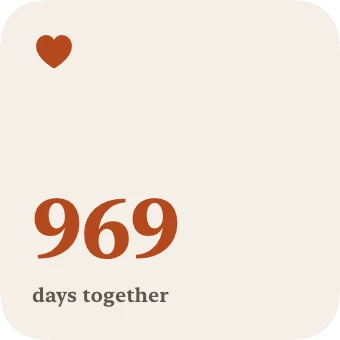
Widgets that
build themselves.
Say what you want on your Home Screen. Homeglass builds it, connects the data and keeps it fresh.
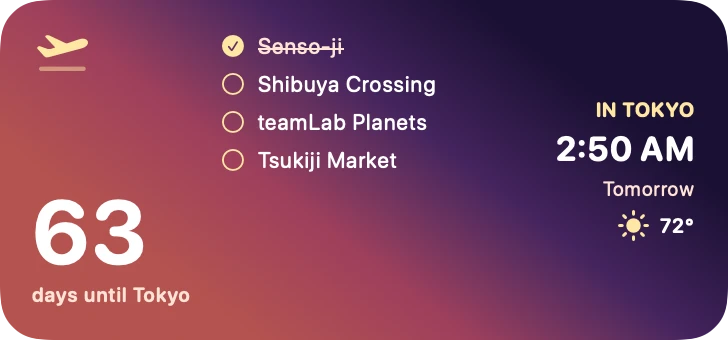
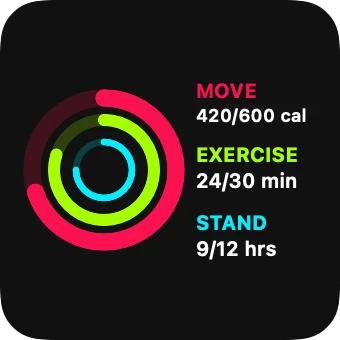
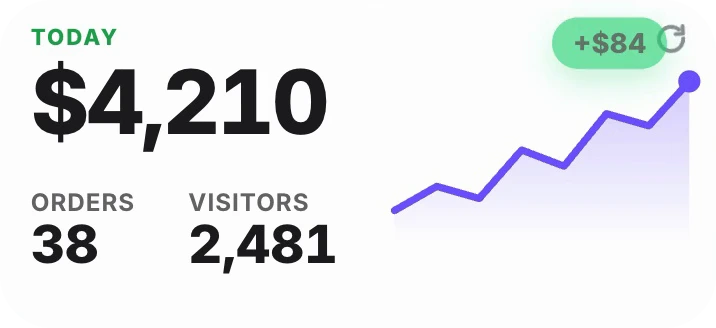
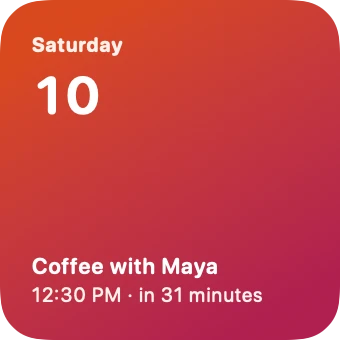
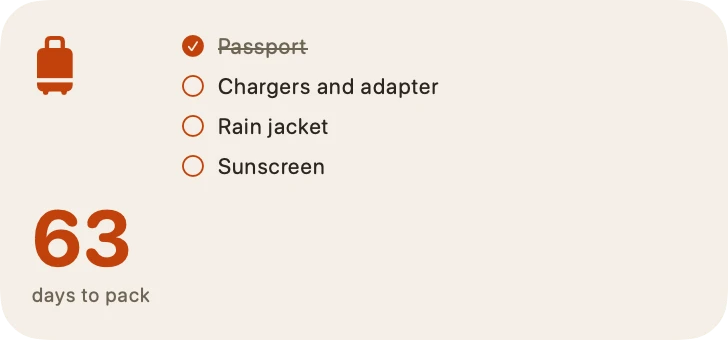
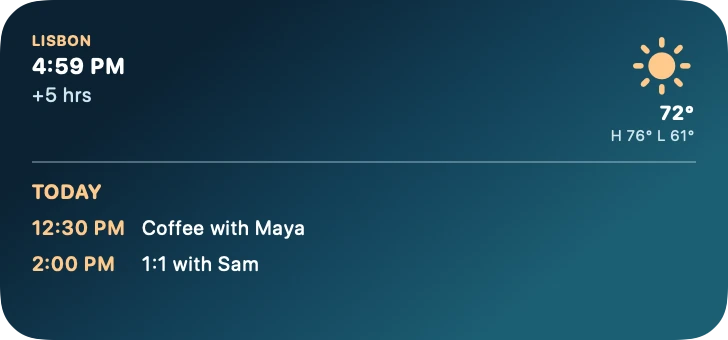
Say it, see it.
“My next three meetings and the weather.” Simple widgets are usually ready in seconds, and you can change anything after.
Describe or pick
Type what you want, or start from one of the gallery's designs.
Connect
Allow the data it needs. Apple data stays on your iPhone.
Add to your Home Screen
Touch and hold, tap Edit, then Add Widget, and search for Homeglass.
Bring your own data.
Paste a link to anything that answers with JSON or CSV: an API, a sales spreadsheet, a home dashboard. Homeglass turns it into a widget that updates itself.
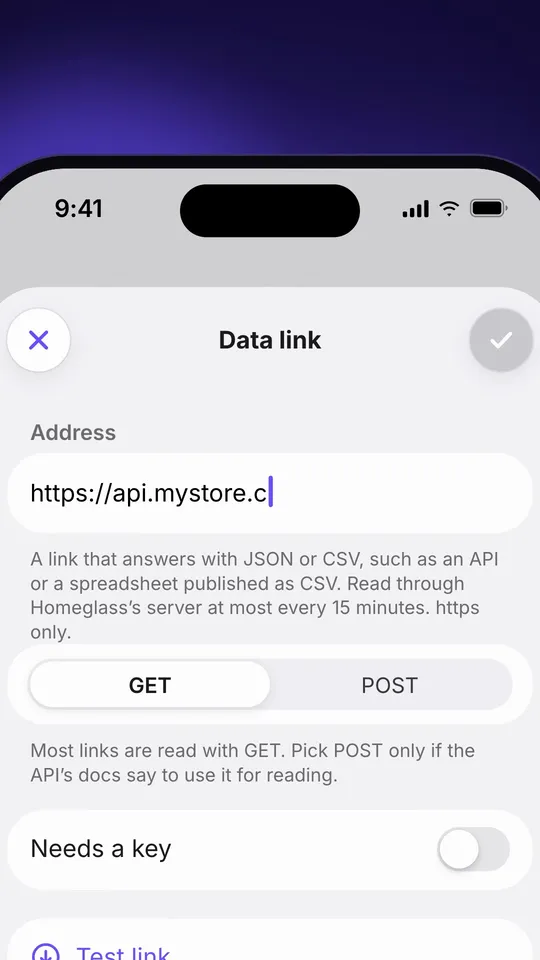
Paste the link
An API, or a spreadsheet published as CSV.
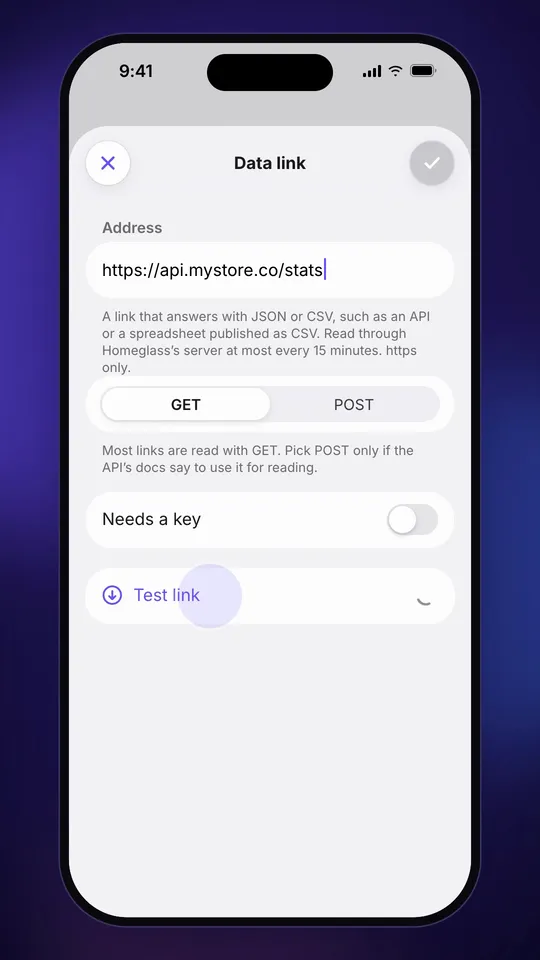
Test it
Homeglass lists every value it finds.
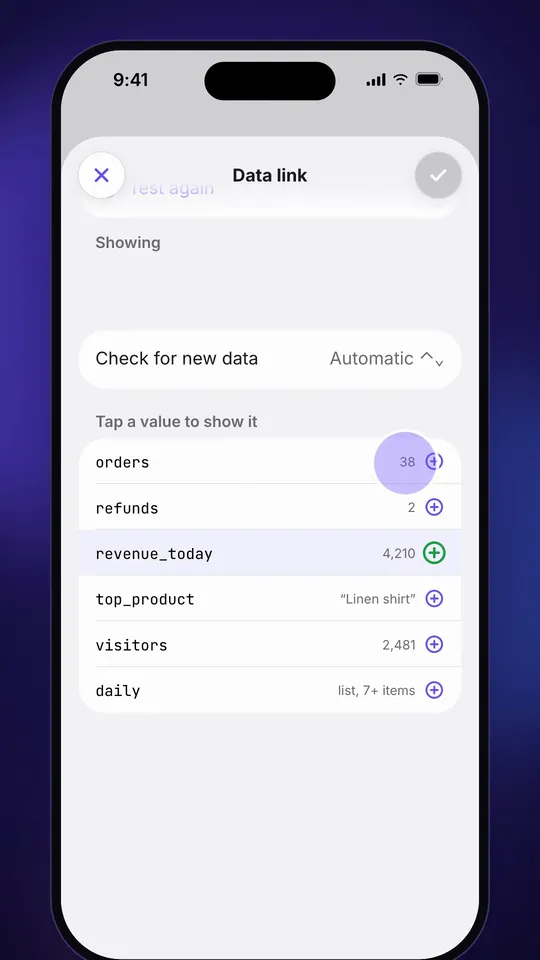
Tap what to show
Pick a value, a list, a total or a chart.
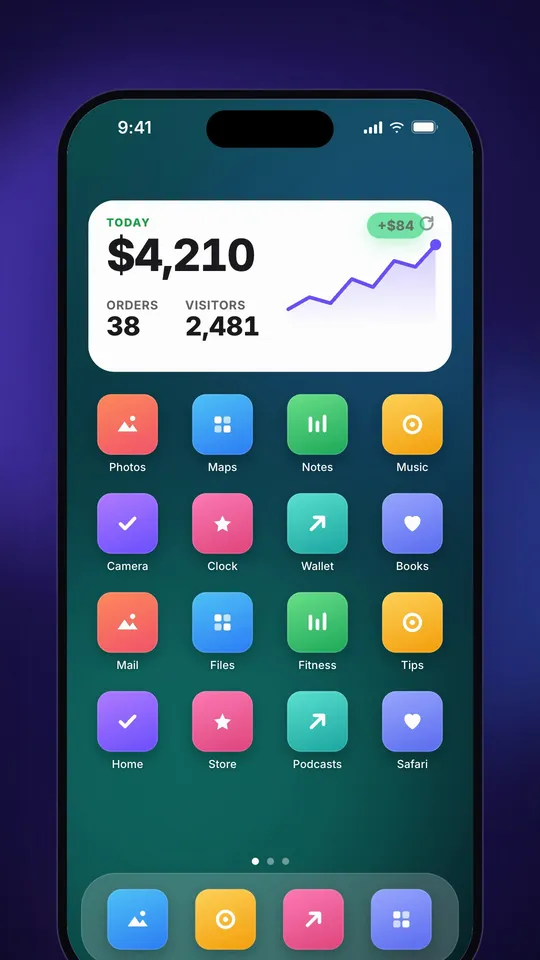
It is on your Home Screen
A live widget that keeps itself up to date.
Your data, connected.
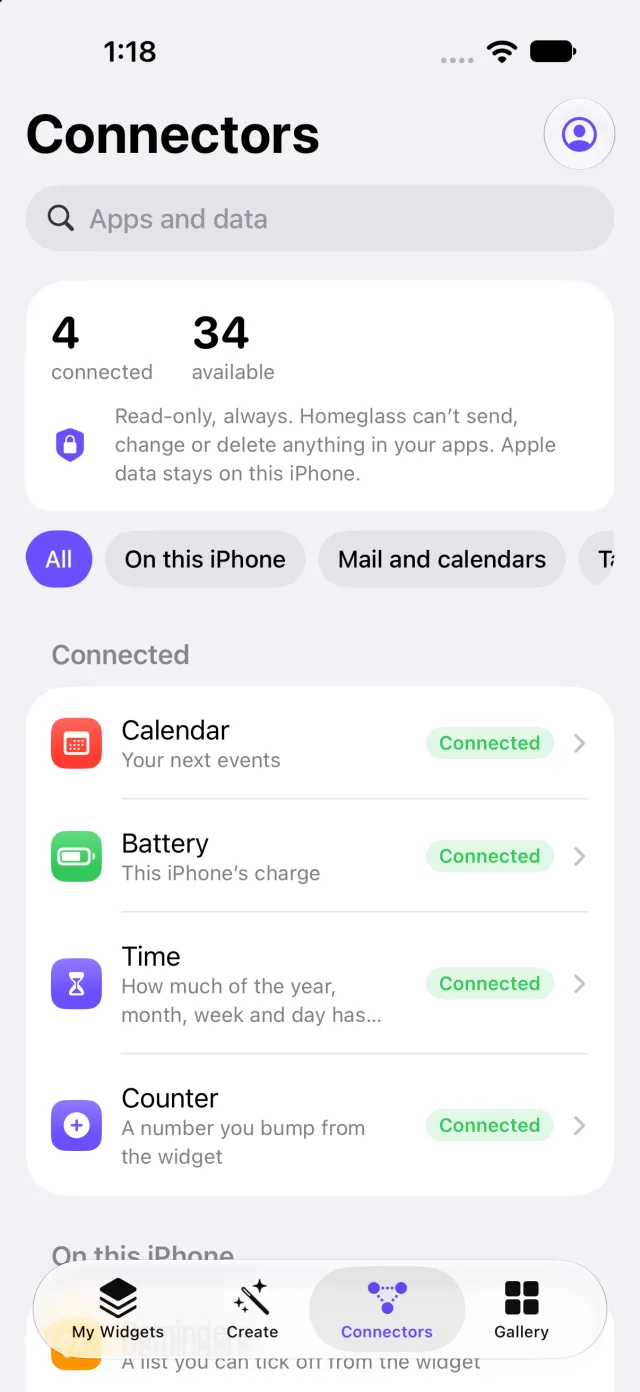
Calendar, Reminders, Health, Weather, Photos and RSS, your own data links, and apps like Gmail and Todoist.






Read-only, always. Homeglass can't send, change or delete anything in your apps.
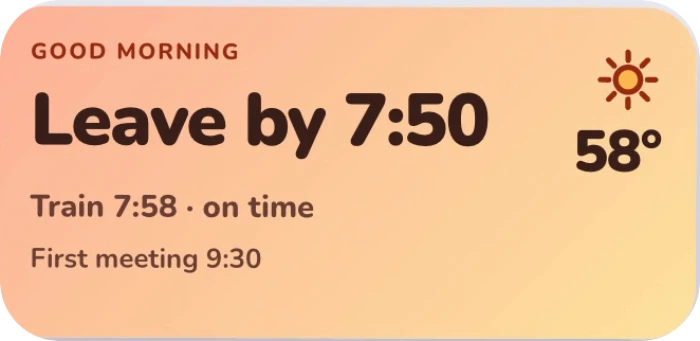
Right widget, right time.
Choose when your widget changes: a new look at night, a different widget at work, a different list each weekday. It happens on the minute, even when the app is not open.
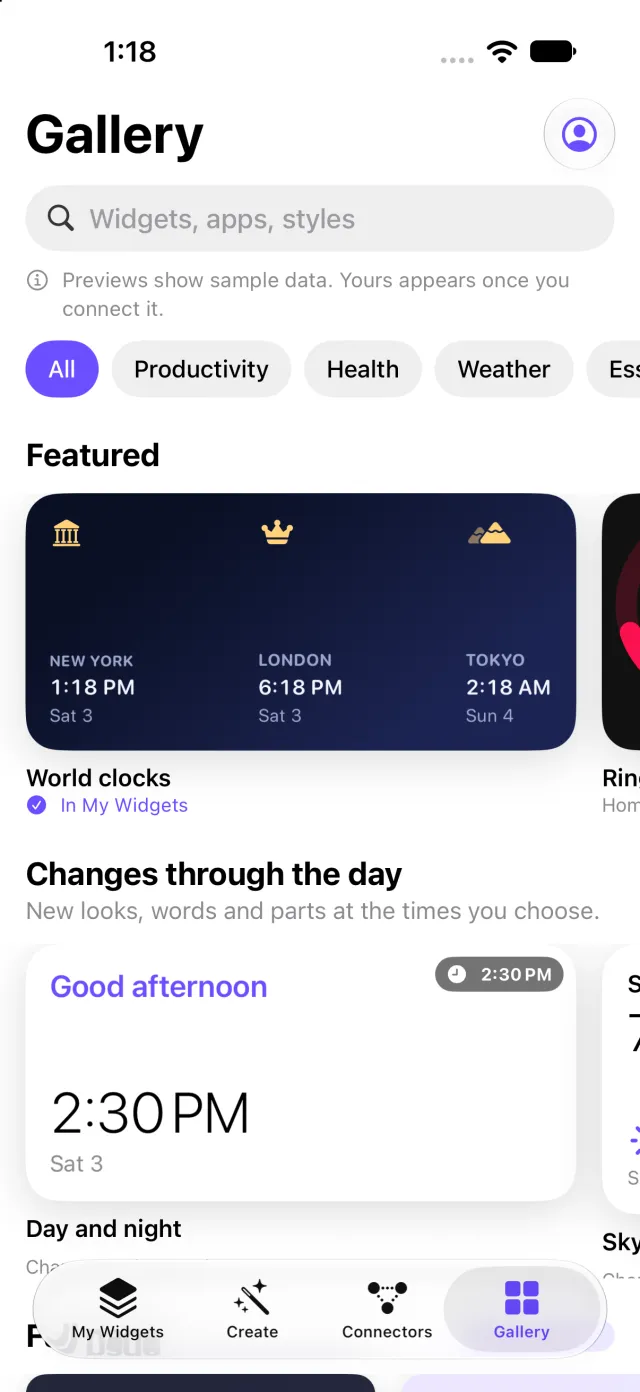
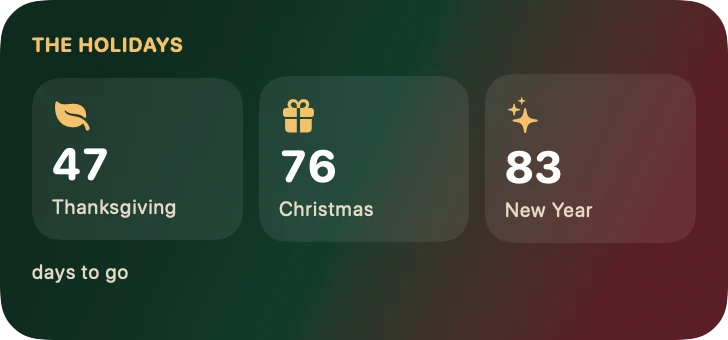
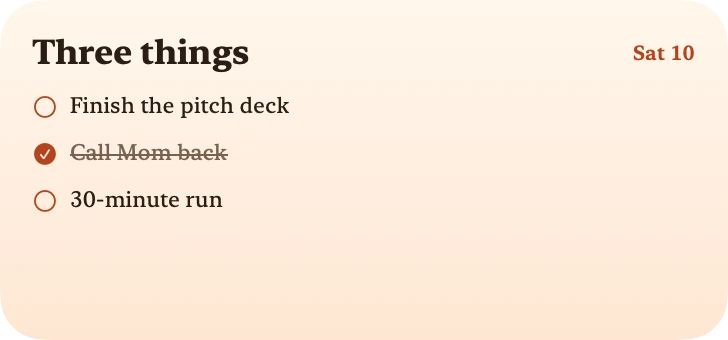
Start from the gallery.
Pick a design that's already close, then change anything: the words, the look, the data.
Private by design.
Calendar, Reminders, Health, location and Photos are read on your iPhone and never sent to us. Health data never goes to any AI. No ads and no tracking.
Read the privacy policyDescribe it. It's built.
Watch for an email from Homeglass when the beta opens. The invite goes to the address you entered.
Beta invites are sent through TestFlight, so use the email address of your Apple Account. We will only email you about the beta and the launch. Read the privacy policy. Coming soon to the App Store, for iPhone with iOS 27 or later. See what it does.